Assign a Learning in TEDS EveryOne as a Supervisor
| Privileges | Description |
| Supervisor | A user will need Supervisor access to TEDS. The user will need to be listed as the Supervisor for a user that is not themselves. This is defined in the Work Profile on the Company Tab within the Person Details. |
|
Instructions |
|
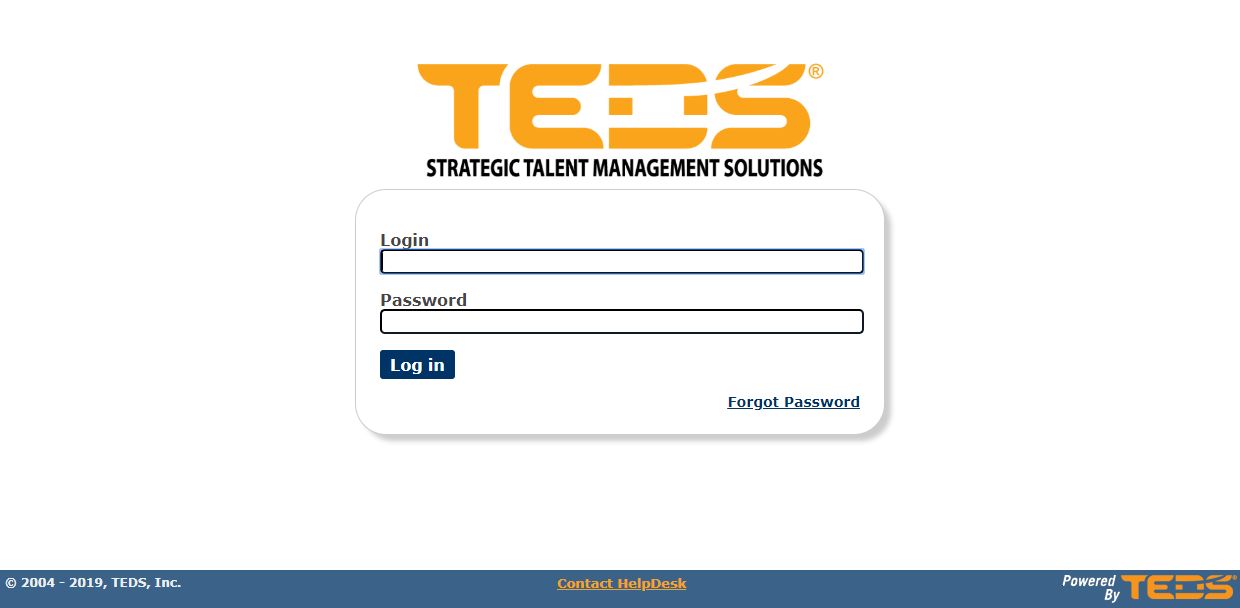
| Log in to TEDS EveryOne. |
|
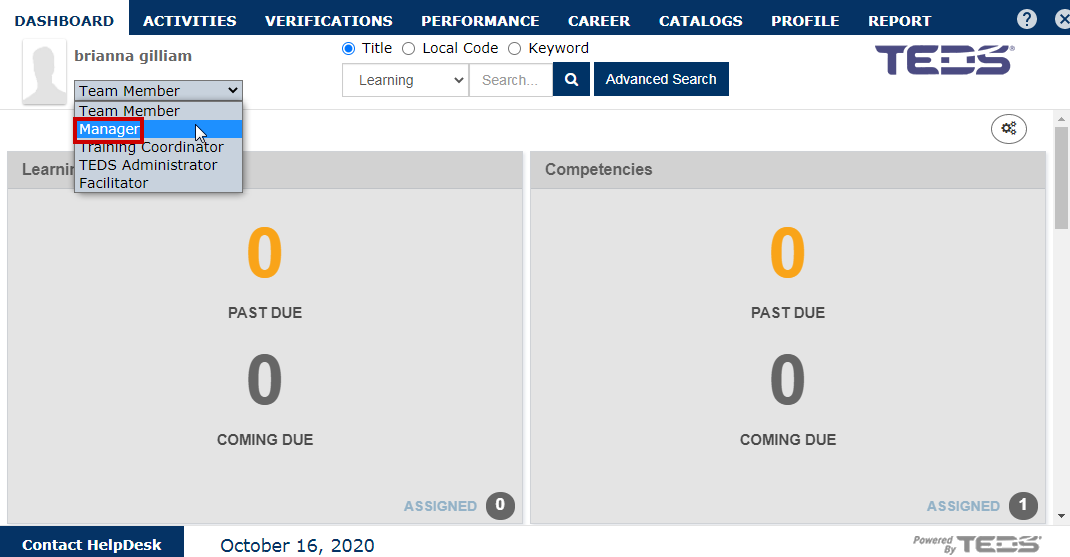
| Select the Supervisor/ Manager option from the user mode drop down. |
|
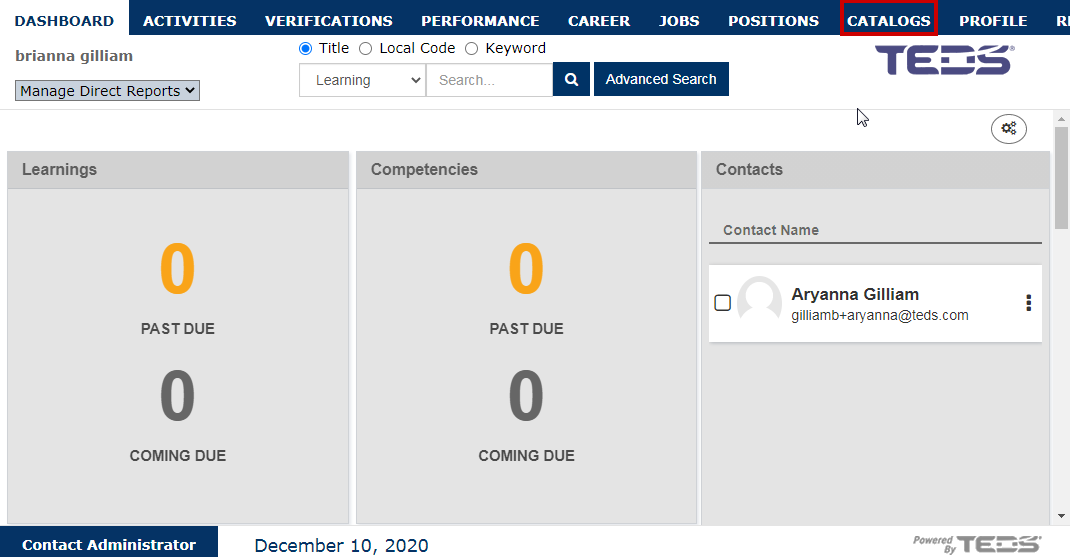
| Select the Catalog tab option. |
|
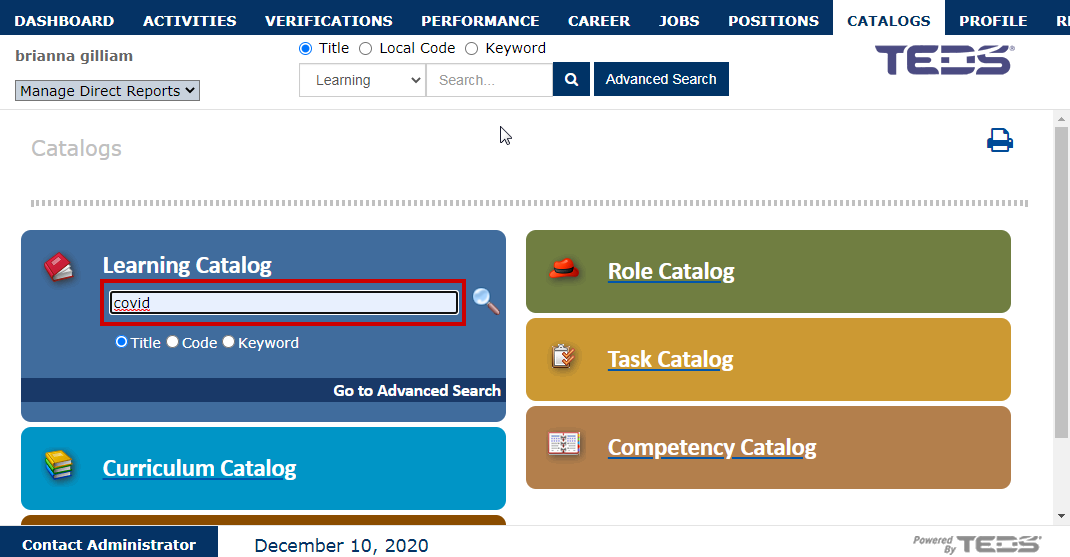
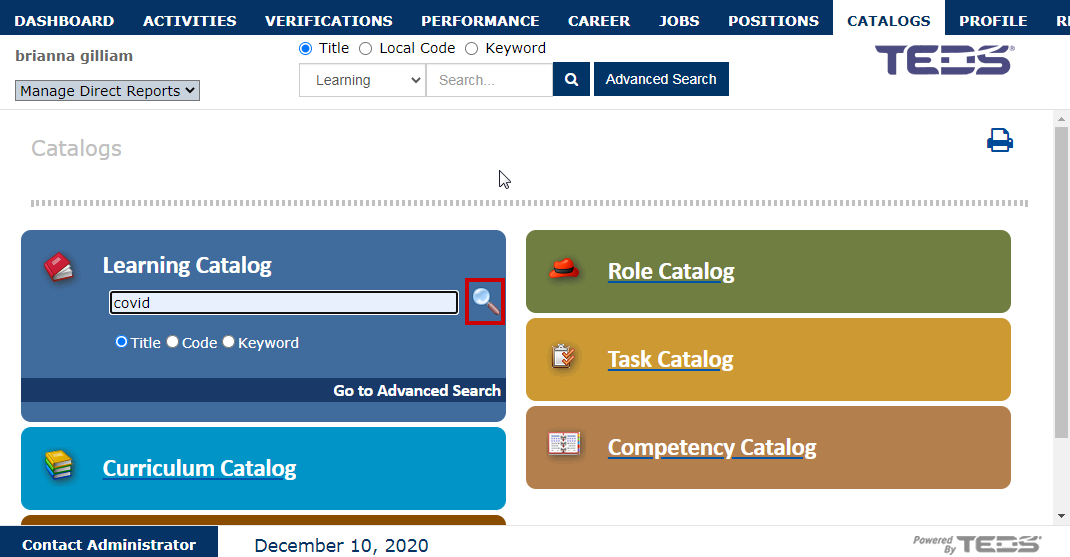
| Enter the desired search criteria. |
|
|
Select the |
|
|
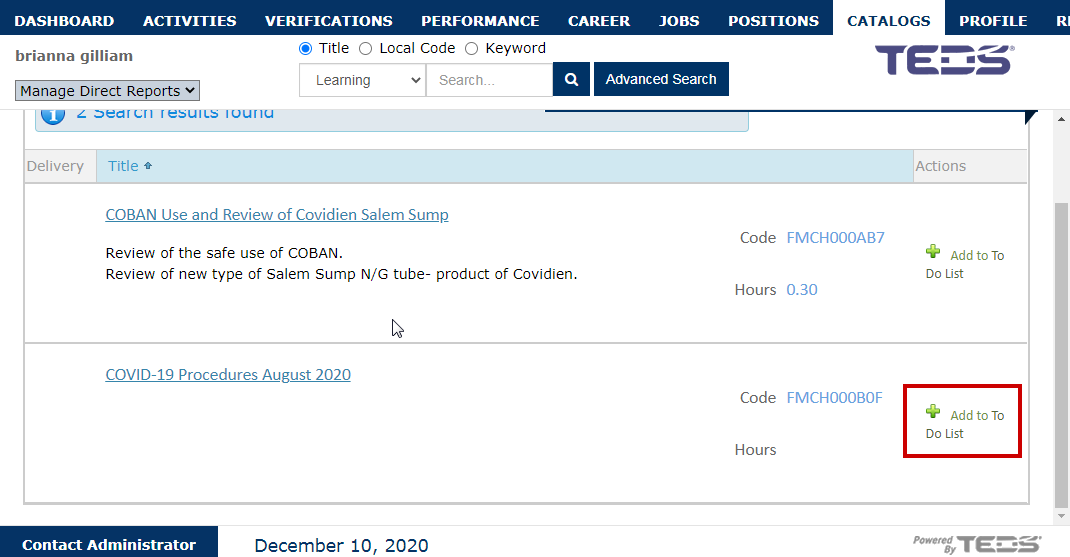
Select the Add to To Do List option for the desired learning. |
|
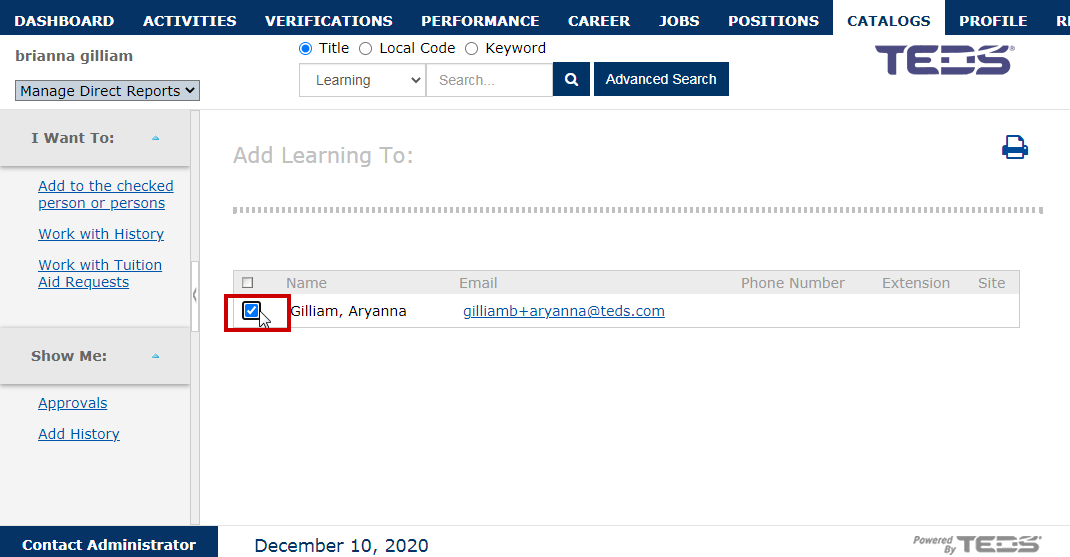
| Select the checkbox for the direct report you wish to assign the learning to. |
|
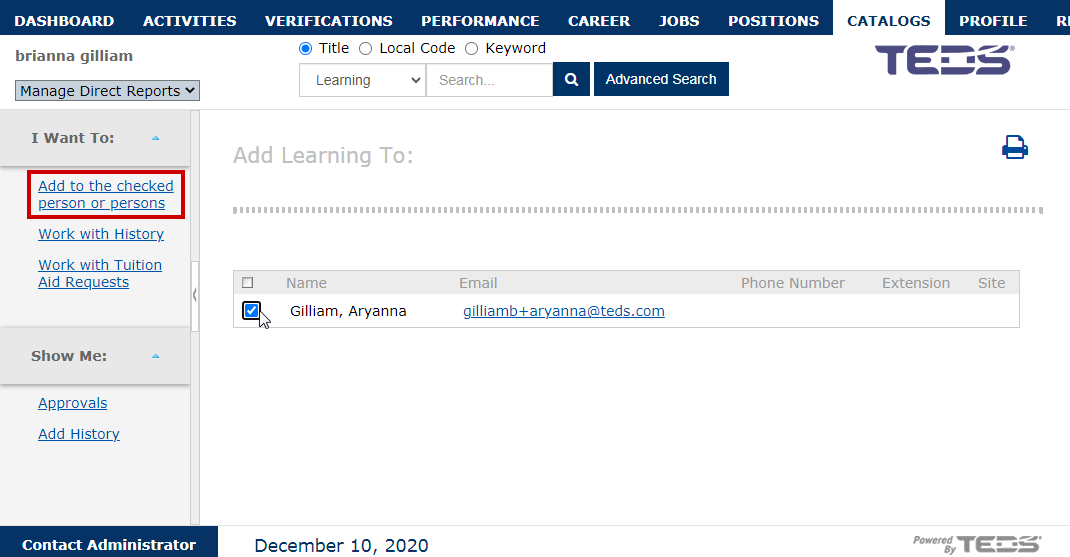
| Select the "Add to the checked person or persons" option |
|
|
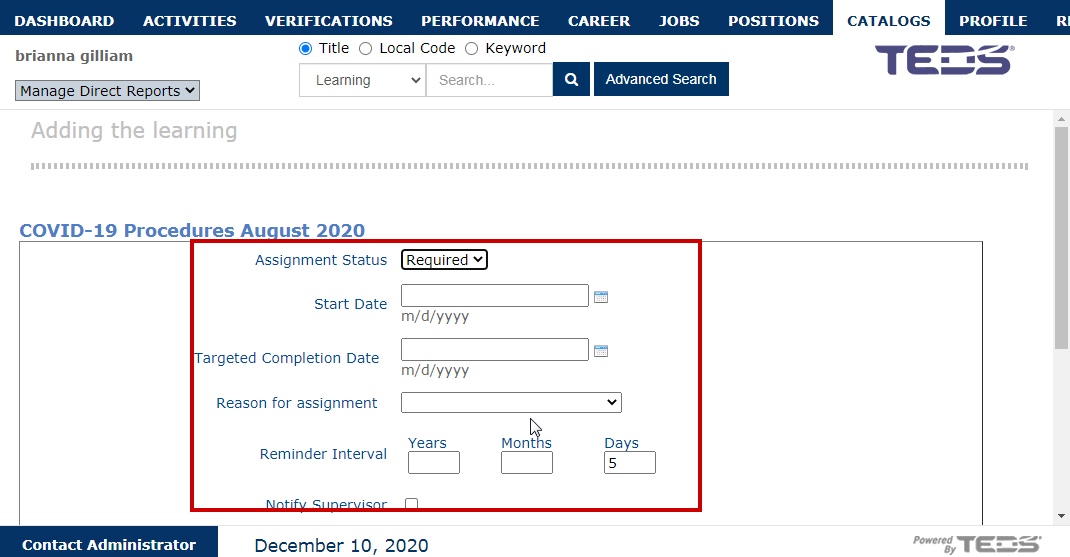
Complete the following assignment details necessary:
|
|
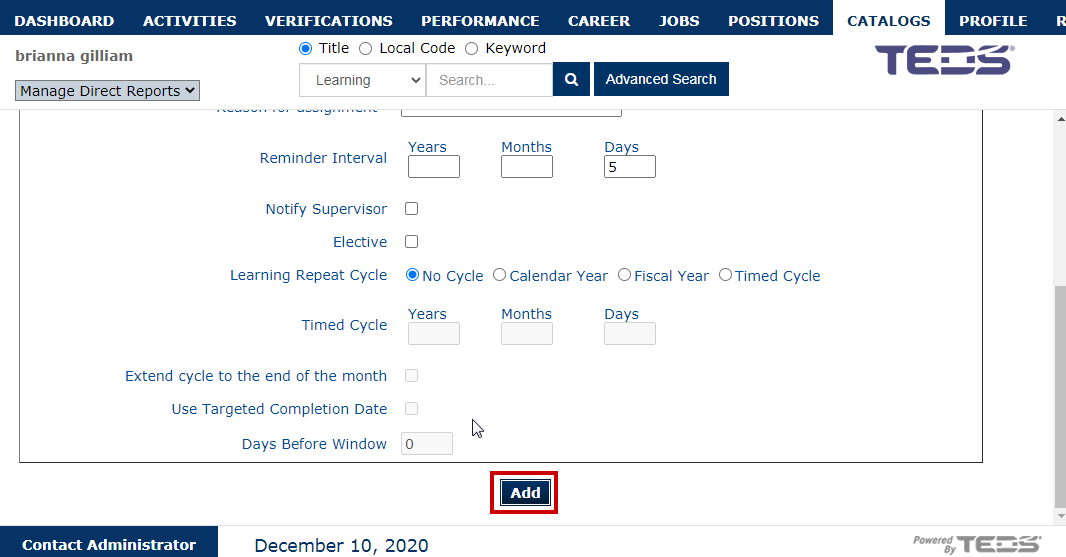
| Upon completion of the necessary details, select the add button. |
|
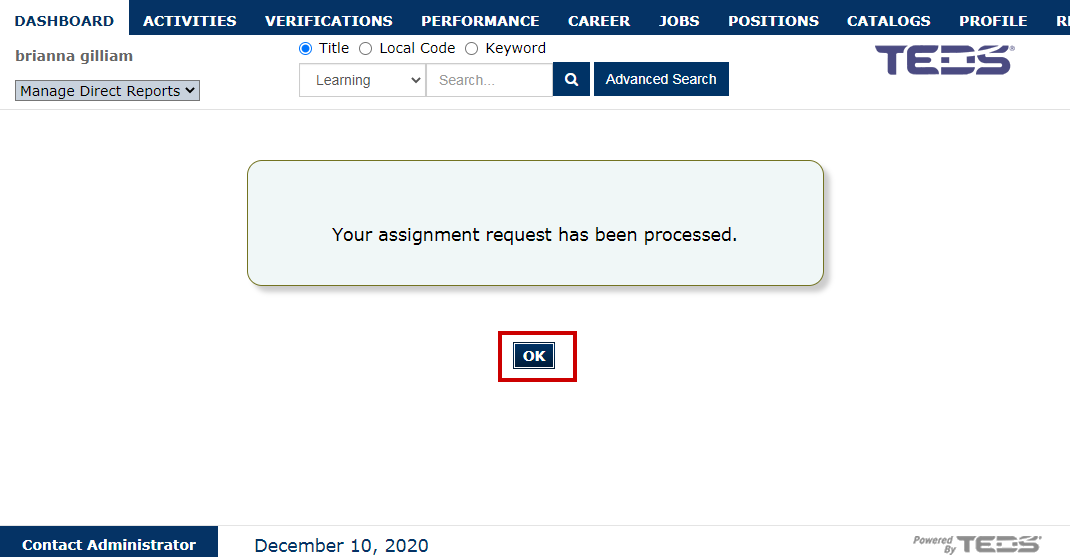
| A confirmation message is displayed, select the OK button. |
|
 icon.
icon.
Related Guides